
Welds with or without drawings
Import a STEP or IFC model, or let the station scan a stiffened plate and build the model itself.
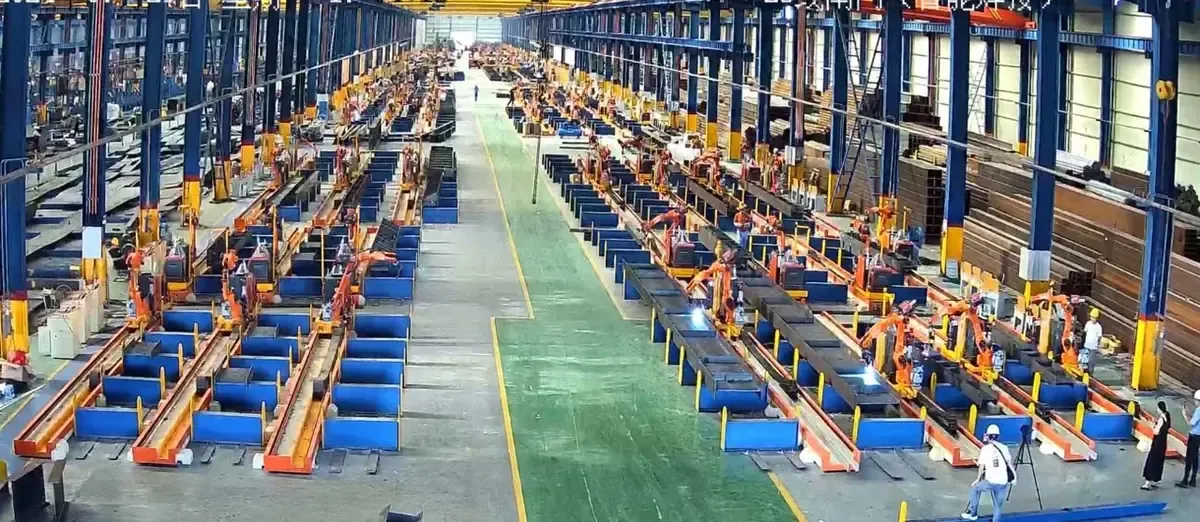
Cantilever welding robot
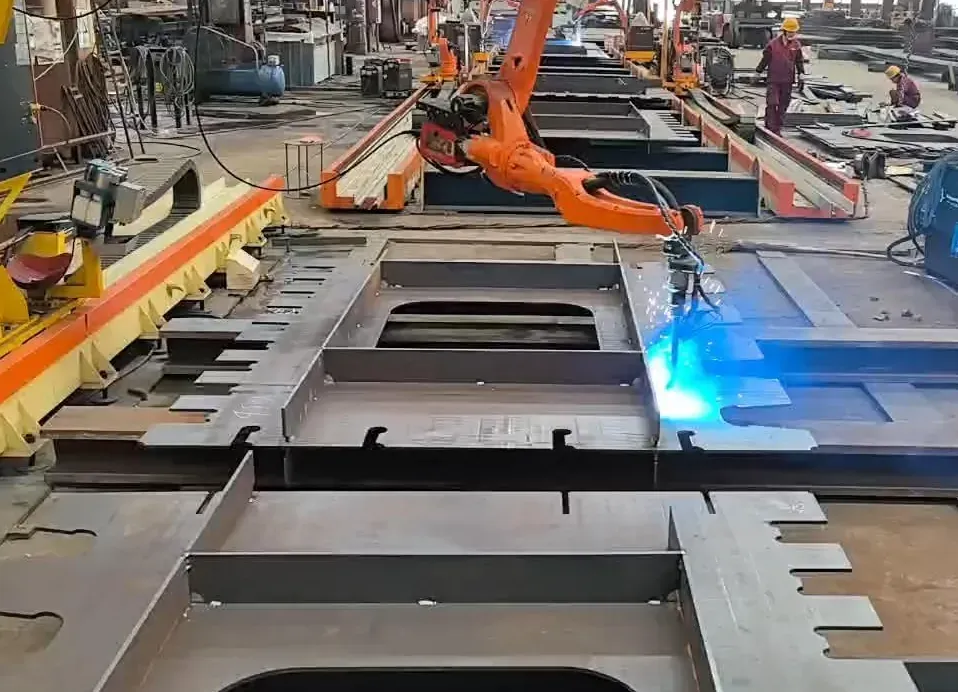
Welds bridge plate units, diaphragms and wide stiffened plates up to 3,500 mm across — from a 3D model, or from a scan when there is no drawing.
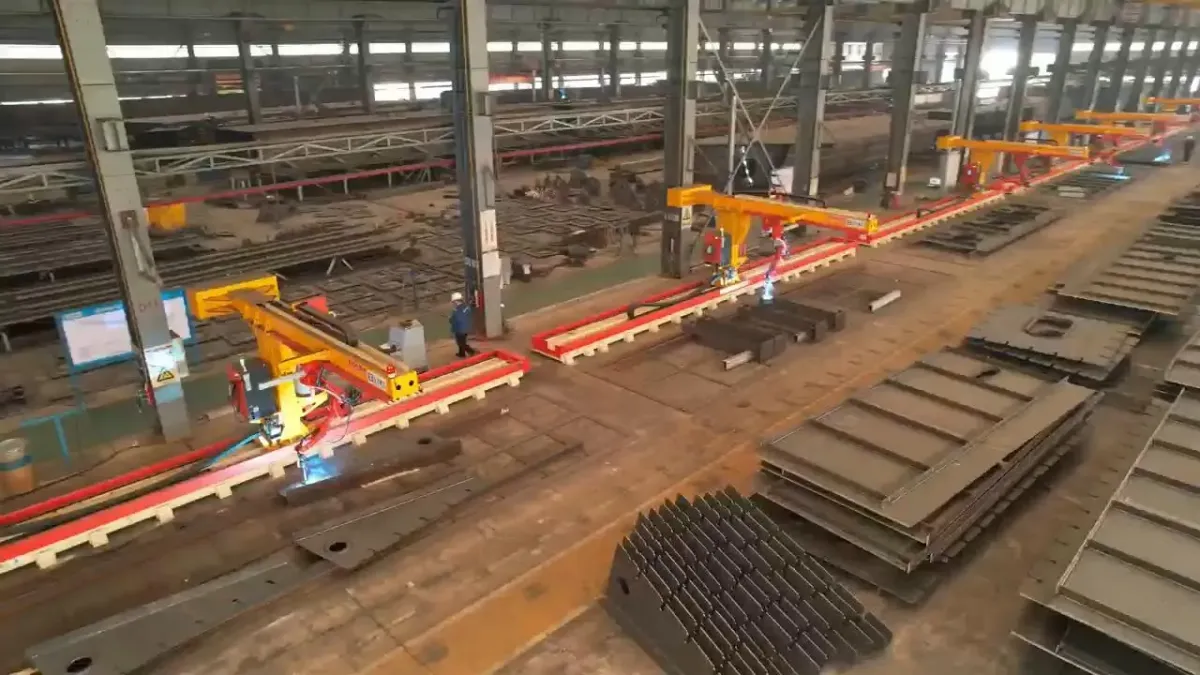
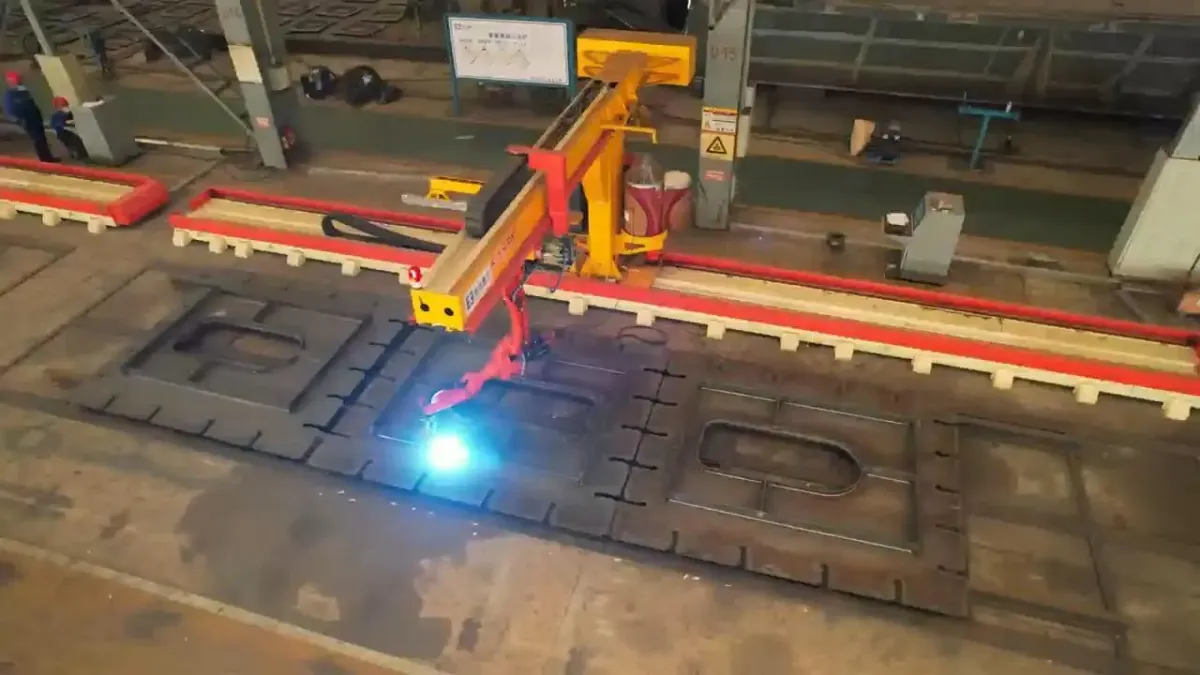
The robot hangs from a travelling cantilever and reaches the whole plate from above. Built by a structural steel fabricator whose own plants run 2,000+ of our welding robots.
Import a STEP or IFC model, or let the station scan a stiffened plate and build the model itself.
The robot hangs from a cantilever that travels along the station, covering components up to 3,500 mm wide.
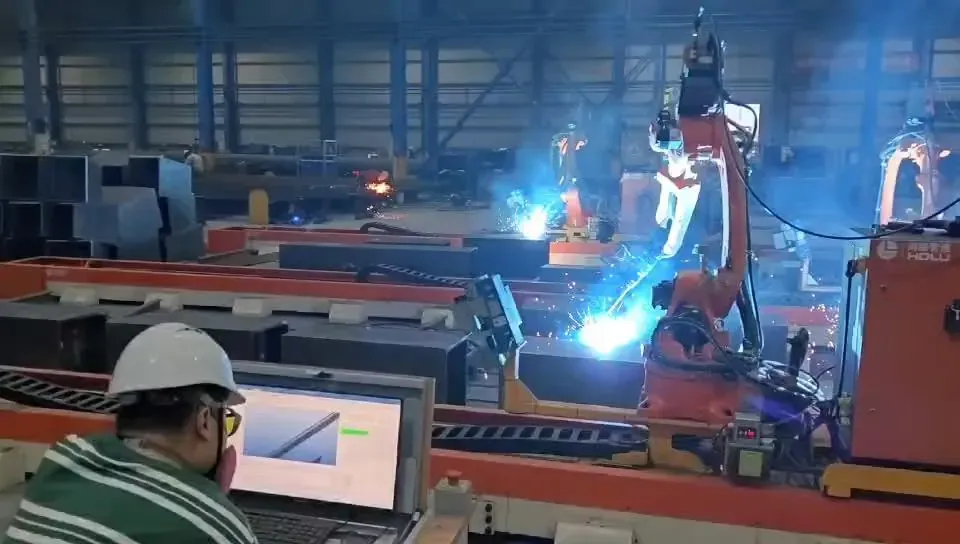
One operator runs 3–6 stations, so one skilled person supervises several robots.
Every seam is scanned before welding, parameters come from a structural steel process library, and the welded length is logged.
Wide, flat components whose welds face upward, so the robot can work across the full width from above.
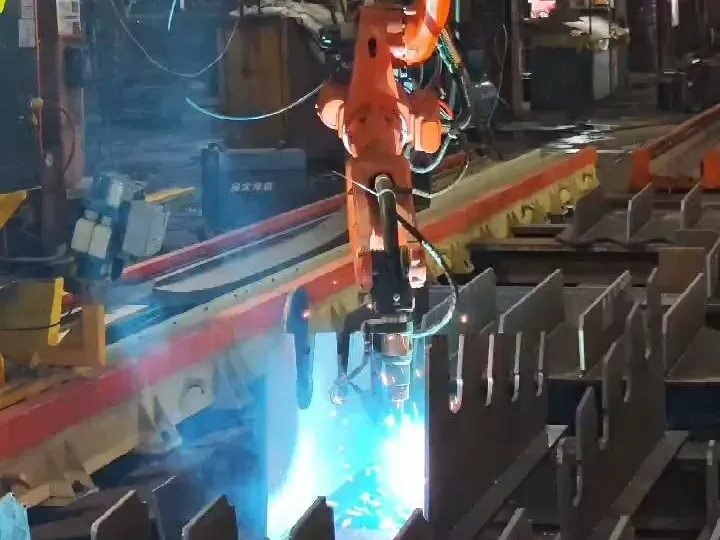
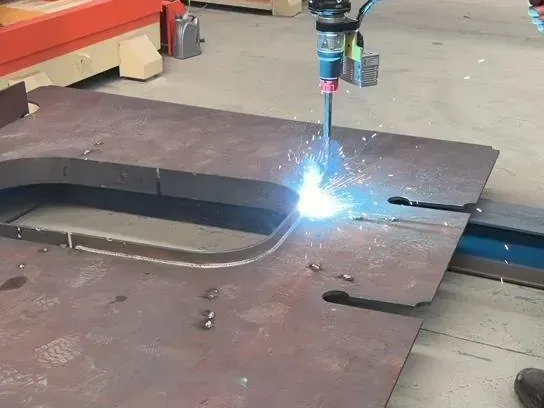
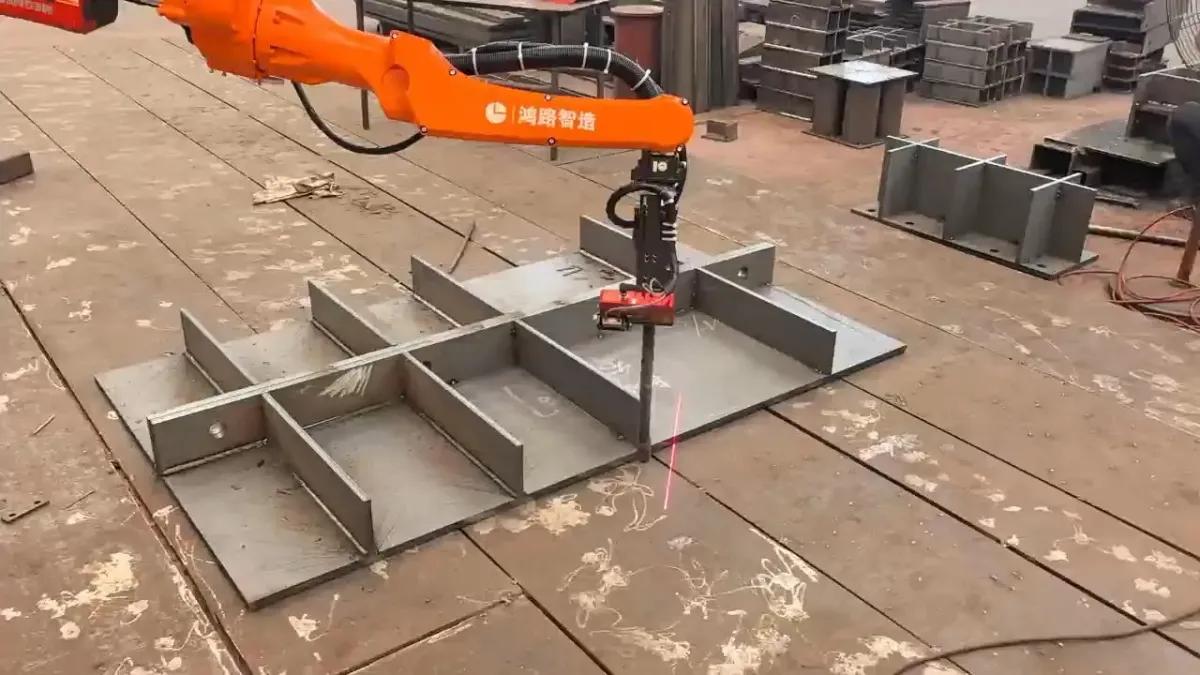
Choose a cantilever welding robot by the shape of the part and the approach to its seams. A single cantilever with an inverted arm is the simpler 7-axis layout.
| Station | Movement and approach | Choose it for |
|---|---|---|
| 7-axis cantilever | A single cantilever carries the inverted robot to weld from above. | Parts needing access from above with a simpler layout than the 8-axis station. |
| 8-axis cantilever | Works from above across wide, flat components. | Bridge plate units, diaphragms and stiffened plates. |
| 9-axis cantilever | Adds cross-slide and vertical movement to rail travel. | Three-dimensional frames, box-type parts and parts without drawings. |
Standard configuration of the 8-axis cantilever station.
| Item | 8-Axis Cantilever Welding Robot |
|---|---|
| Component width | Up to 3,500 mm |
| Stiffener height | Up to 600 mm |
| Frame length (standard) | 15 m |
| Effective travel (standard) | 12 m |
| Robot reach | 2,014 mm |
| Robot payload | 6 kg |
| Robot repeatability | ±0.08 mm |
| Frame material | Q355 steel |
| Welding process | GMAW: CO₂ / MAG / MIG |
| 3D model import | STEP, IFC |
| Programming | Teachless from the 3D model; reverse modelling from a scan when there is no drawing; parametric modelling; simple teach mode for special welds |
| Staffing | One operator runs 3–6 stations |
| Material | Carbon structural steel |
Everything needed to weld wide plates on your shop floor, supplied as one station:
Open the STEP or IFC model, or scan a stiffened plate that has no drawing — the software builds its model.
The software extracts the welds, takes parameters from the process library, plans the path and checks it for collisions.
A laser line scan finds where the plate lies on the station and matches it to the model.
Before each weld the robot scans the seam to locate it, then welds from above.
The welded length is logged for each part and can be reported to your ERP or MES (optional).
Free part evaluation. Send a drawing, model or photo of a typical plate unit. Our engineers check the welds and recommend a station and quotation. We reply within one business day.
Watch or try it. Book a live video tour of our production, or visit our factory in Hefei and operate the robot yourself before you order.
Delivery and training. Operators learn to run the station in 1–5 days. On-site commissioning and training at your workshop can be arranged; the cost is listed in your quotation.
Describe the component, its width and the difficult joints. Drawings and models are welcome but not required to start.
Prefer email? sales@steelweldingrobot.com
Common questions from fabricators comparing cantilever welding robots.
The price depends on frame length, travel, the welding package and software options. We quote factory-direct after a free review of your parts.
Yes, for flat plates with stiffeners: a large laser line scan captures the part and the software builds its model. Other parts need a STEP or IFC model. You do not need a model to send a first inquiry.
The 7-axis robot runs on a ground rail beside the part and suits beams, columns and other long members up to 1,500 mm wide. The 8-axis robot hangs from a cantilever above the part and suits wide plates and bridge units up to 3,500 mm.
Operators learn to run the station in 1–5 days, and training uses your own parts.
Yes. On-site commissioning and operator training at your workshop can be arranged; the cost is listed in your quotation. Our engineers also support your team remotely.